
Plan a family photo calendar gift before you open an editor
Organize twelve months of photos, family dates, captions, and print decisions with a simple calendar gift plan you can use in any editor.

Build a month-by-month photo list first, collect original image files and confirmed dates, then choose the calendar format and printer.
A thoughtful photo calendar starts with choosing what someone will want to see every day. It might be the grandchildren, a place they miss, or twelve small moments from an ordinary year.
You can make those decisions before choosing a design tool. This guide is an editor-independent planning worksheet. You can now sign in to Calendar Studio by Y&L to try an editable sample or create a photo calendar. The studio shows the current download and purchase options before you choose them.
Choose one recipient and one story
“A family calendar” can mean many things. A grandparent may love a mix of individual portraits and group photos. A couple might prefer trips and quiet everyday moments. Someone who has moved away may enjoy familiar places, favorite meals, and the people back home.
Write one sentence about the person receiving it: “This calendar will help Abuela feel close to our everyday life.” That sentence gives you a better editing rule than simply picking the twelve most recent pictures.
Make a twelve-month photo plan
Create a folder for the project and a simple list with four columns: month, main photo, caption, and dates to include. Pick a second-choice image for any month where the crop may be difficult. You do not need every month to feature a holiday.
| Month or moment | Photo idea | Detail to collect |
|---|---|---|
| A birthday month | A portrait of that person or a favorite shared memory | Correct birthday and preferred name |
| An anniversary month | A meaningful place or a photo from that chapter | Confirmed date and a short caption |
| Summer or a travel month | A family outing, garden, or favorite landscape | Where the photo was taken |
| An ordinary month | Cooking together, a pet, or a relaxed afternoon | One sentence explaining why it matters |
Spread attention across the people you want to include. Look at the whole year together: does someone appear six times while another person is missing? A deliberate mix can make the gift feel more personal.
Gather original photos before arranging them
Ask family members for the original image file when possible, rather than a screenshot from a chat. Keep a clean copy of each photo and name it clearly, such as “July-lake-weekend”.
Look at faces, lighting, and sharpness at a useful size. A photo can feel wonderful on a small phone screen and still be difficult to crop for a large print. Leave some room around important faces; frames, trimming, and binding can reduce the visible area.
If someone sends a professional portrait or event photo, check the photographer’s usage terms before printing it. Ask before including an image that a family member considers private.
Confirm dates and keep captions short
Ask one person to check names, birthdays, and anniversaries instead of relying on a crowded message thread. Confirm the year and starting month of the calendar before entering dates.
Short captions are easier to read and leave space for the photo. “Sunday at Abuela’s” may carry more meaning than a long description. For a bilingual gift, choose words the recipient actually uses rather than translating every sentence just to fill the space.
Decide whether the calendar is mainly decorative or a place to write plans. If the recipient likes adding appointments by hand, keep the date area open instead of filling every cell with text.
Choose the format with the printer in mind
A desk calendar, a single-page monthly wall calendar, and a calendar with separate photo and date panels require different layouts. Ask the printer about sheet size, binding, printable margins, and how it wants the PDF prepared before you finish designing.
Distinguish the size of each printed sheet from the size of the calendar when open. Leave important faces and text away from the area that will be punched or trimmed. The exact allowance depends on the binding and printer, so confirm it rather than treating one margin as universal.
If printing at home, check the paper sizes and thicknesses your printer supports. Print a sample at the intended size before committing to the complete gift.
Give the calendar one careful final read
The result does not need twelve perfect portraits. It needs a thoughtful sequence that feels like the person receiving it. Start there, and the design becomes a way to carry the story.
- Check the year, starting month, and every month heading.
- Verify family names, birthdays, and anniversaries.
- Review each photo crop and the binding area.
- Look at text and date numbers at the actual print size.
- Check page order and any double-sided printing instructions.
- Save the editable project and the final print file separately.
Keep the ideas coming.
All guides ↗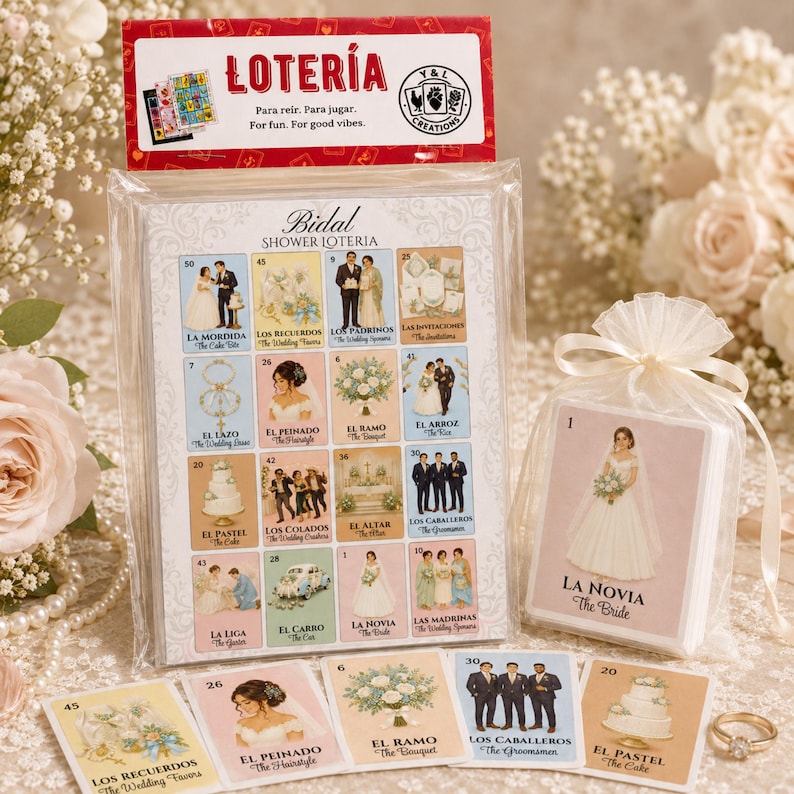
Bridal shower games for the primas, the friends, and everyone in between
Plan a bridal shower that feels like your people: bilingual Lotería, easy games, thoughtful prizes, and gift ideas, with printable or physical sets.
Read the guide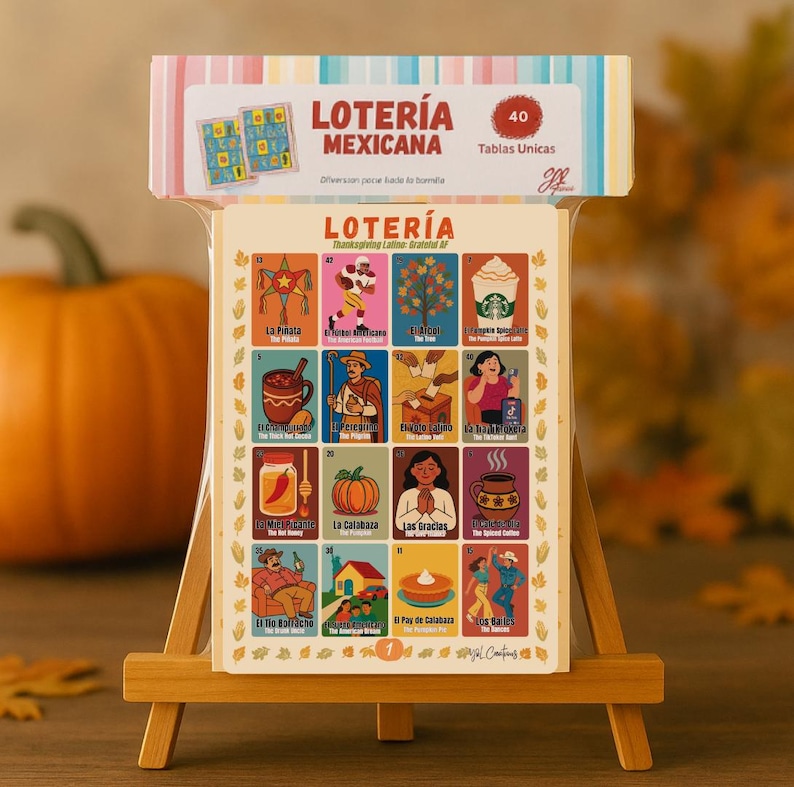
How to host a bilingual Lotería night everyone can join
Plan an English-and-Spanish Lotería night with a simple caller script, a clear setup, and a sample evening schedule for your family.
Read the guide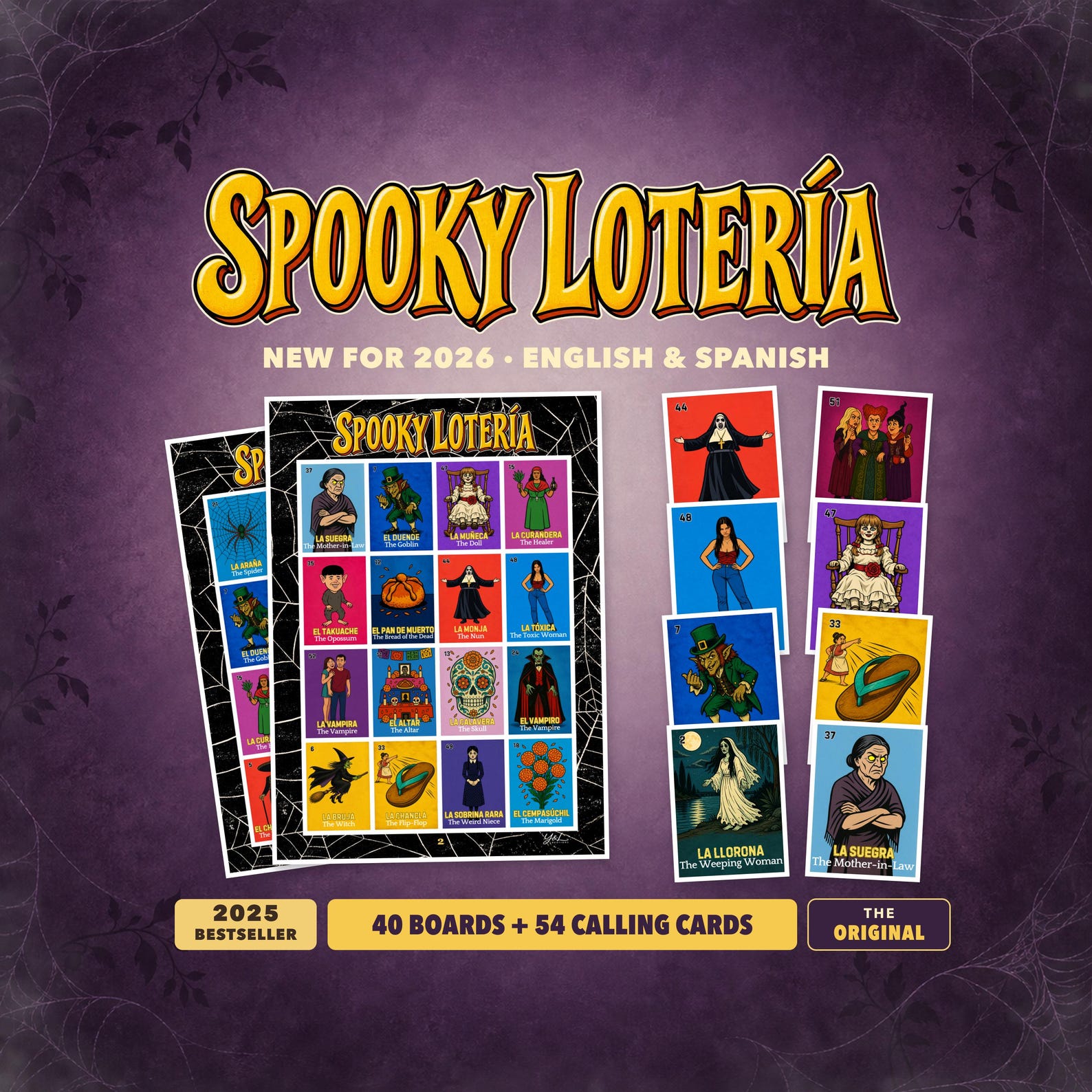
A Halloween Lotería party plan, in English and Spanish
Build a Halloween game station with bilingual Spooky Lotería: board counts, printable preparation, caller tips, and a practical party checklist.
Read the guide